
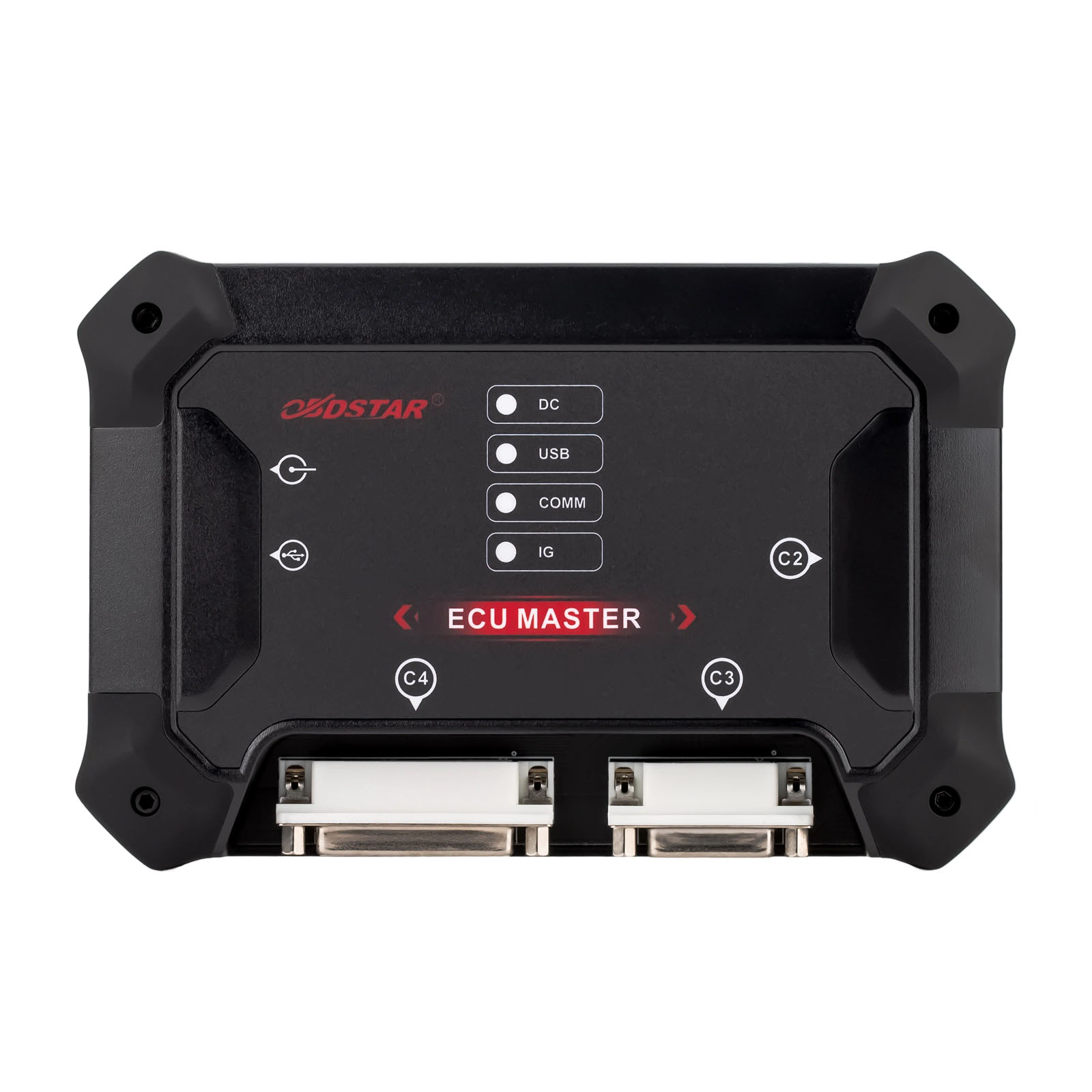
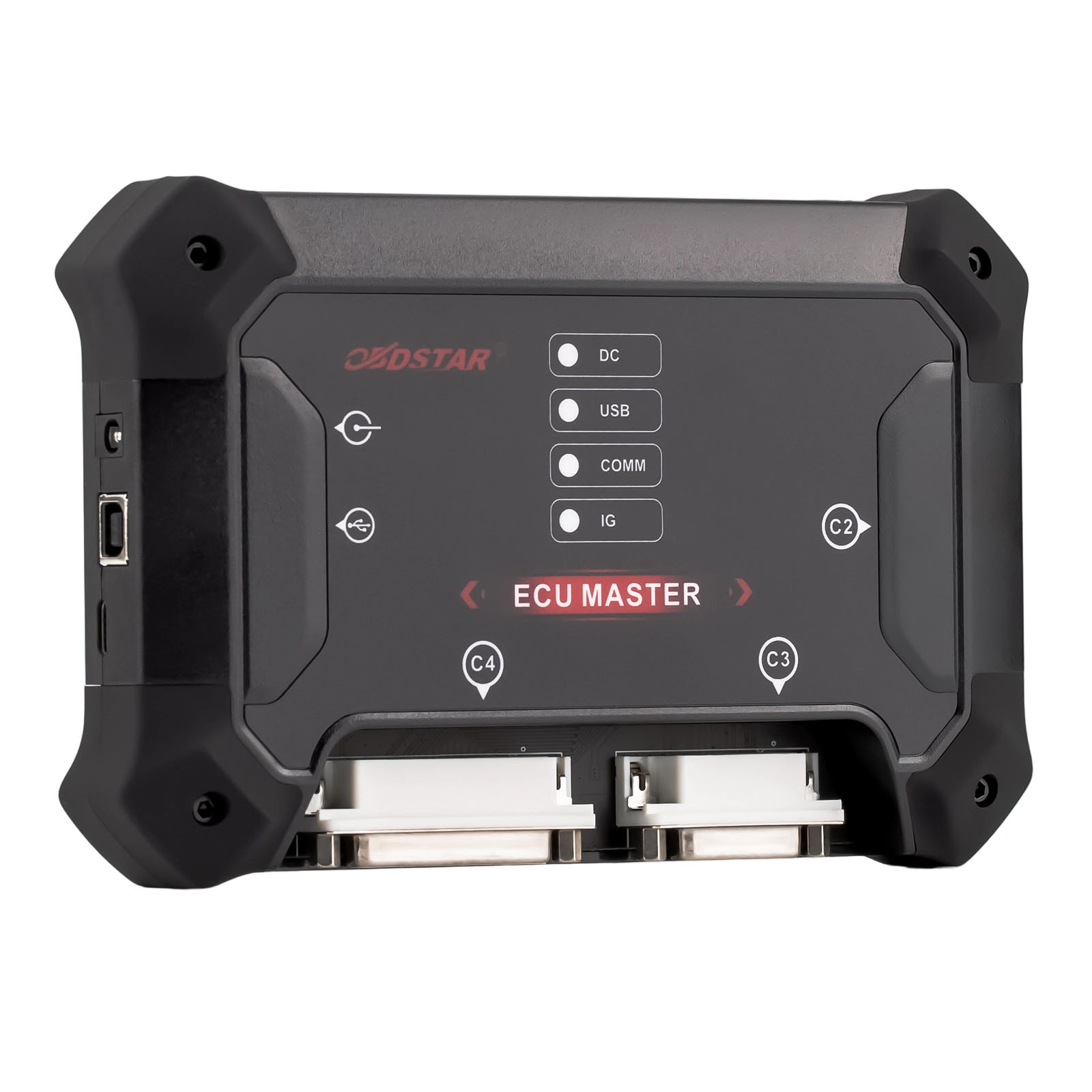
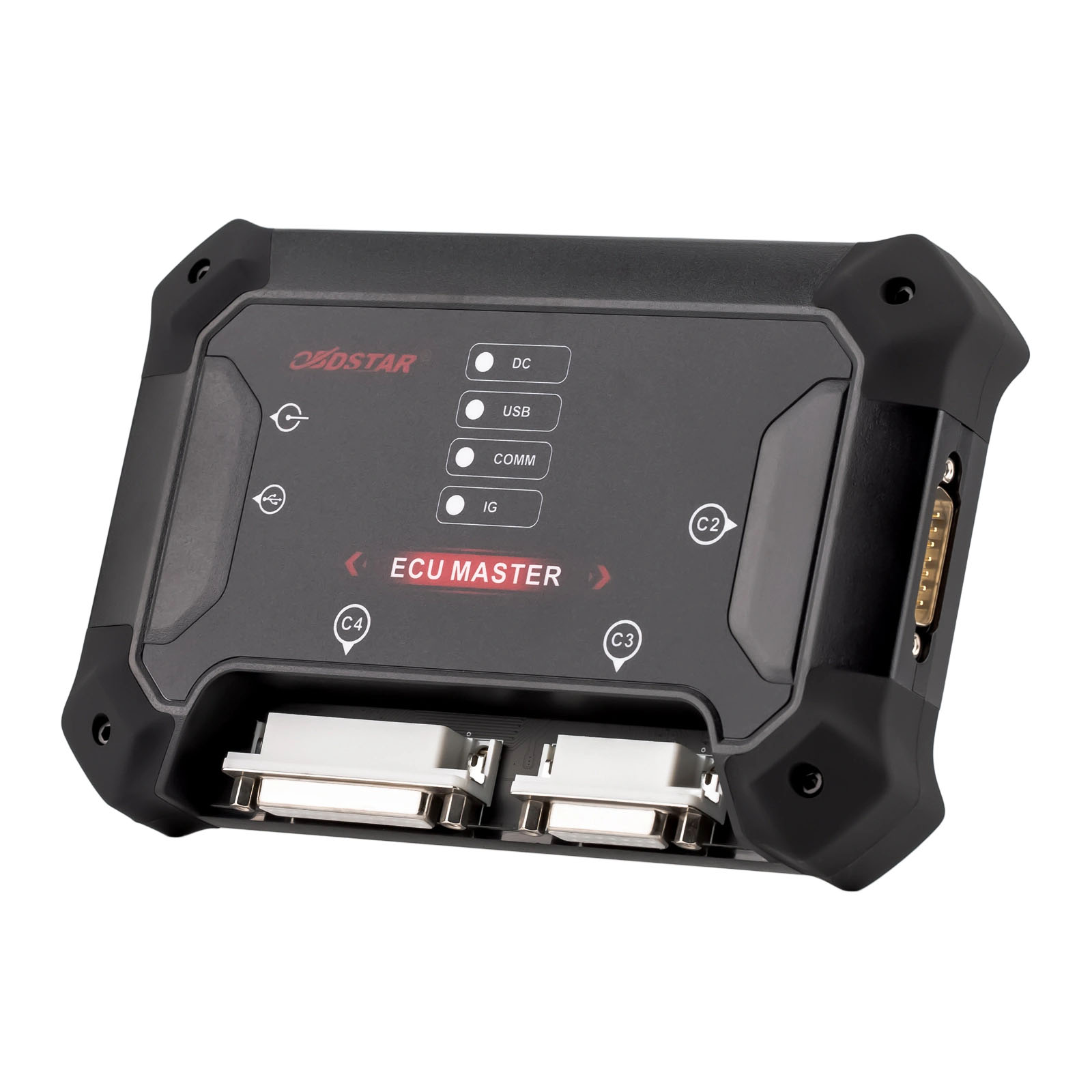
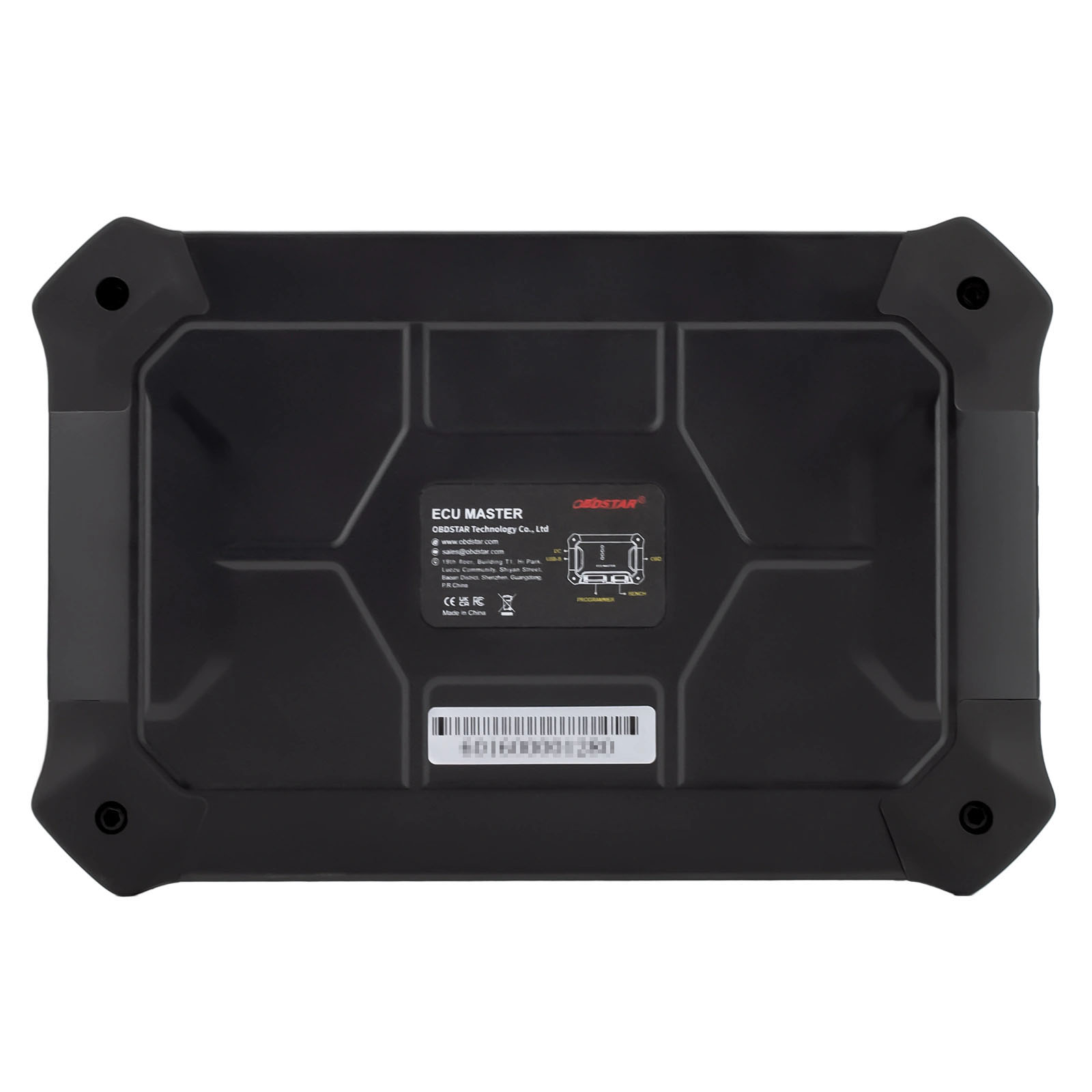
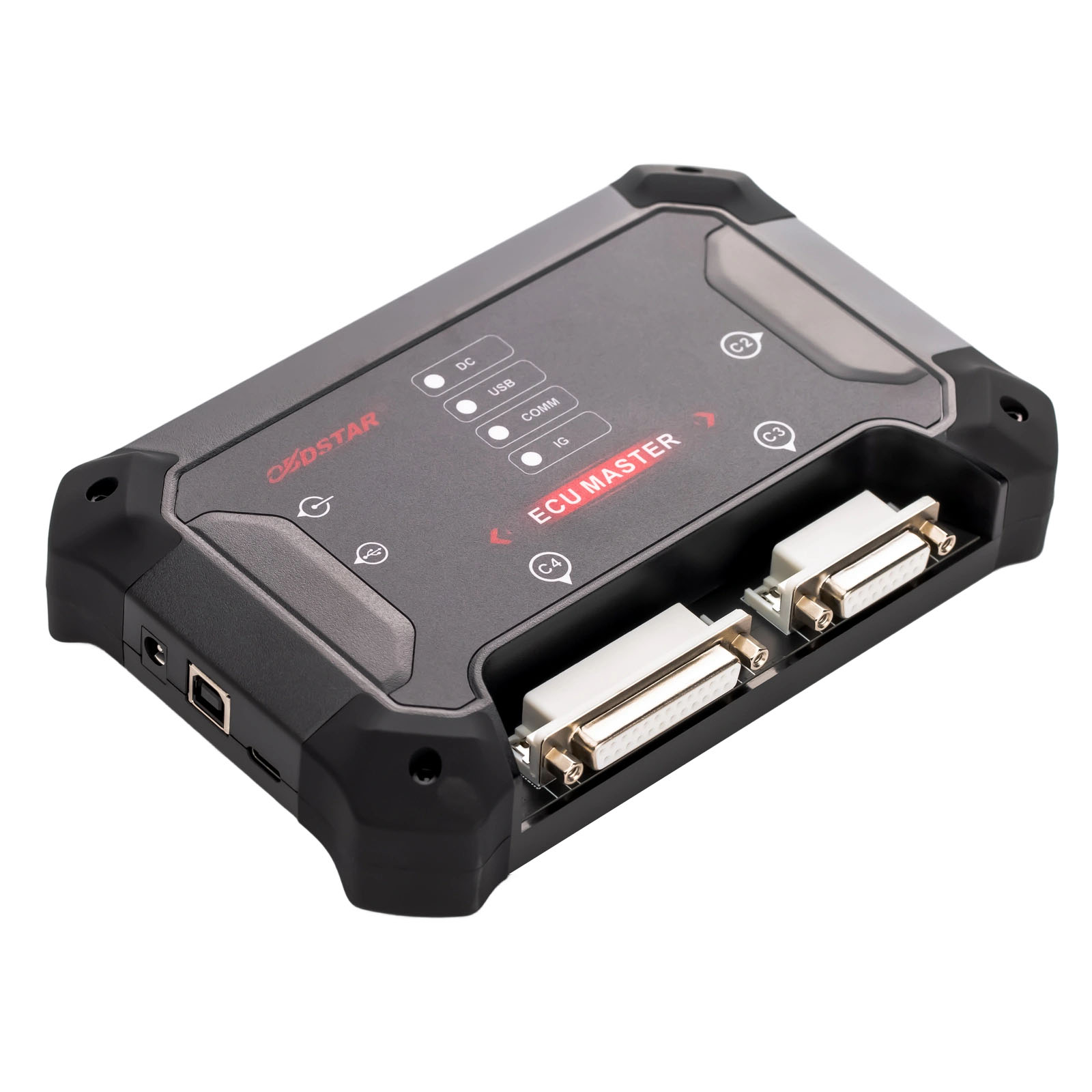
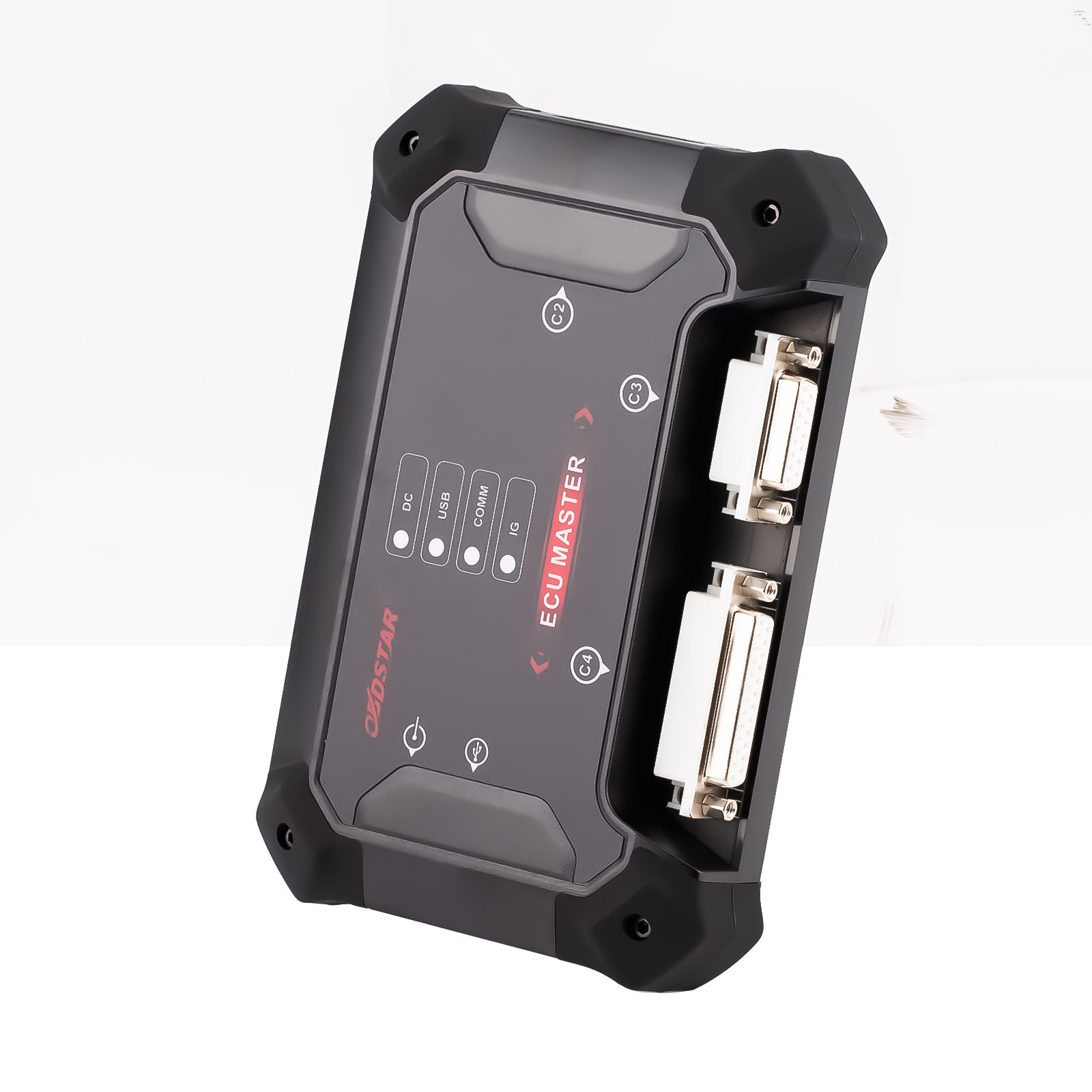
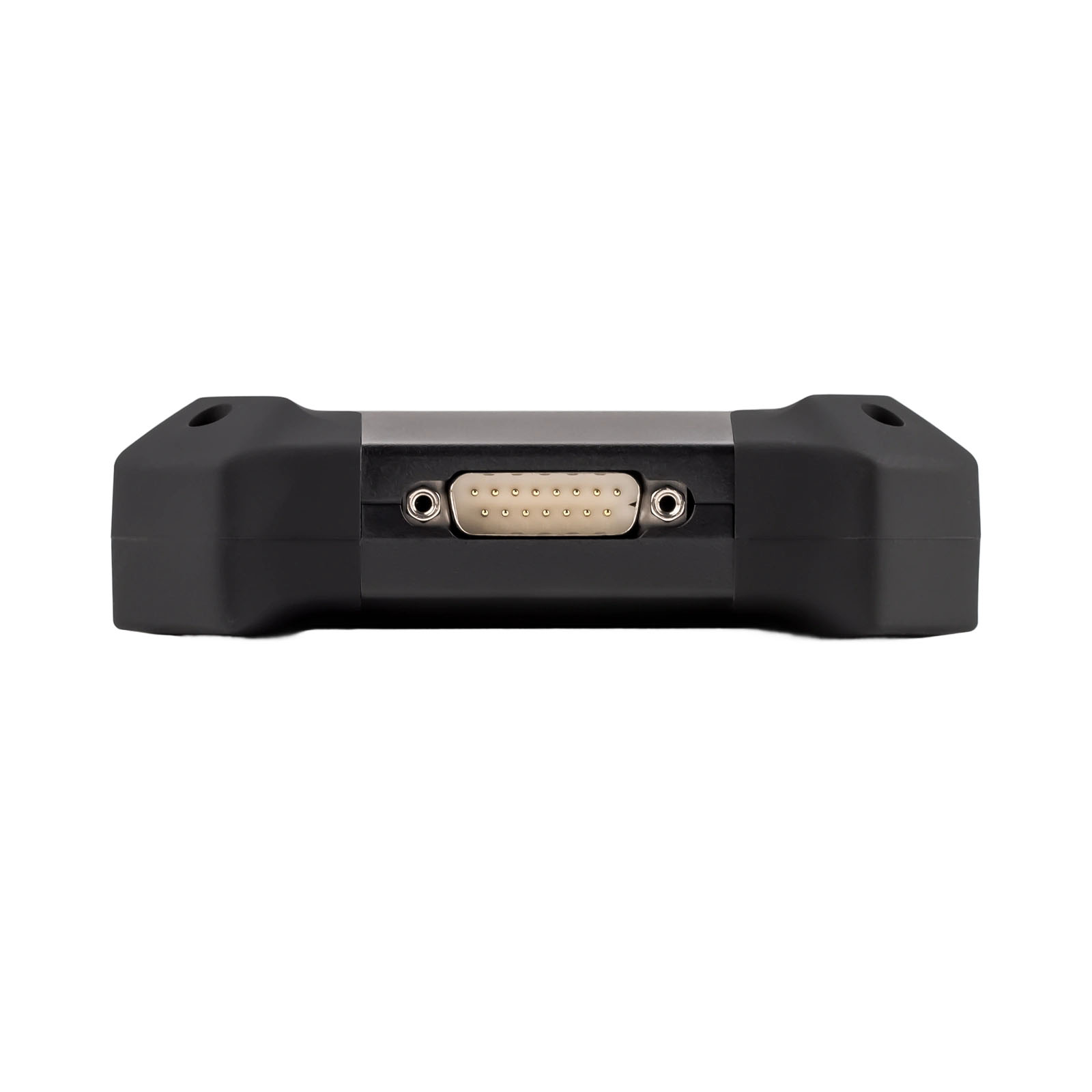
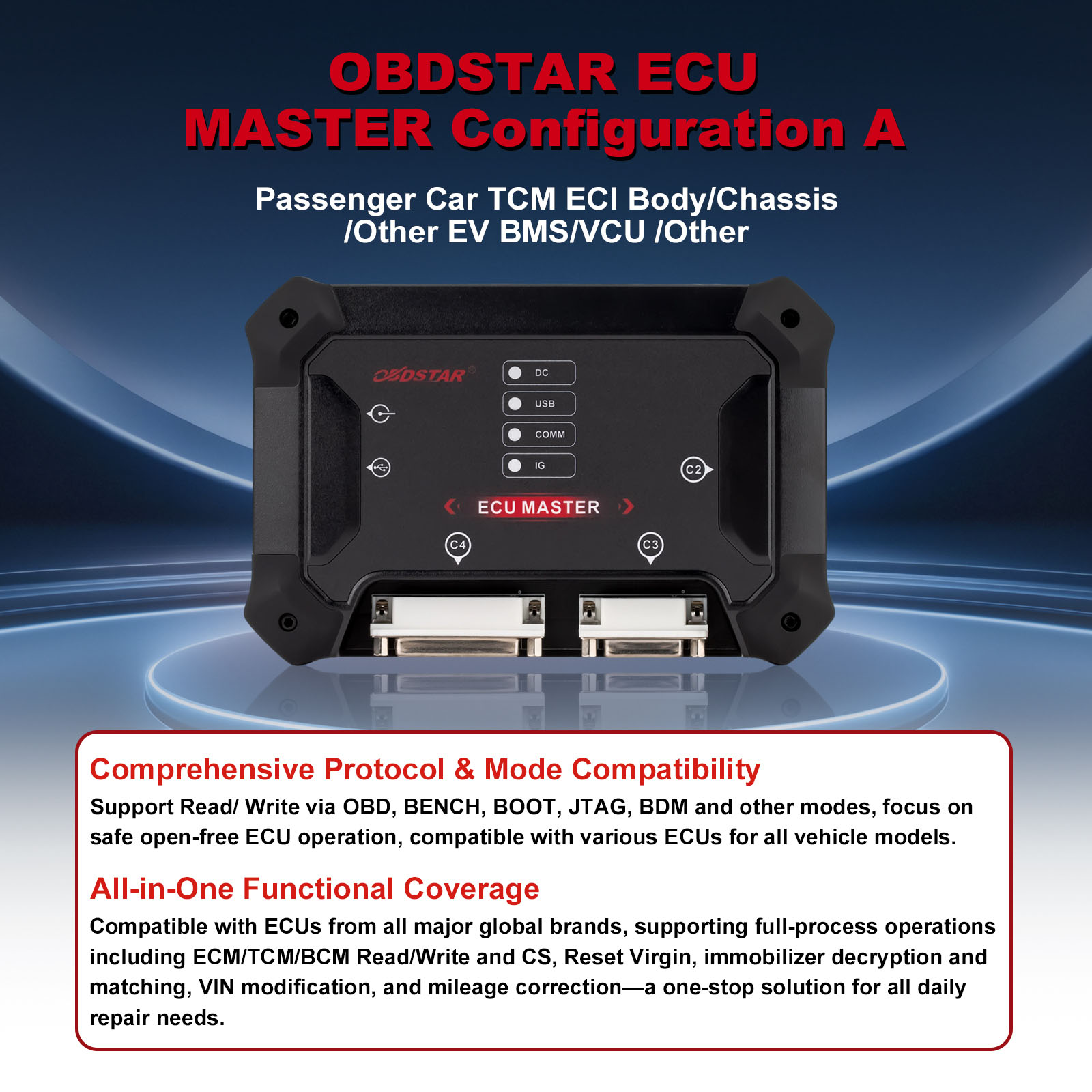


OBDSTAR ECU MASTER Configuration A ECU Flasher for Car & EV – ECU Read/Write & Cloning Professional ECU Programming via OBD, BENCH, BOOT, JTAG & BDM


OBDSTAR Anniv Promo,Do not Miss
2026 NEW ECU MASTER
Better Offer or Questions Pleaese Contact WhatsApp: +86 15223201143
E-Mail: sales@OBDSTARshop.de
Related Download Files
Product Description
OBDSTAR ECU MASTER Configuration A – Professional ECU Flasher for Car & EV
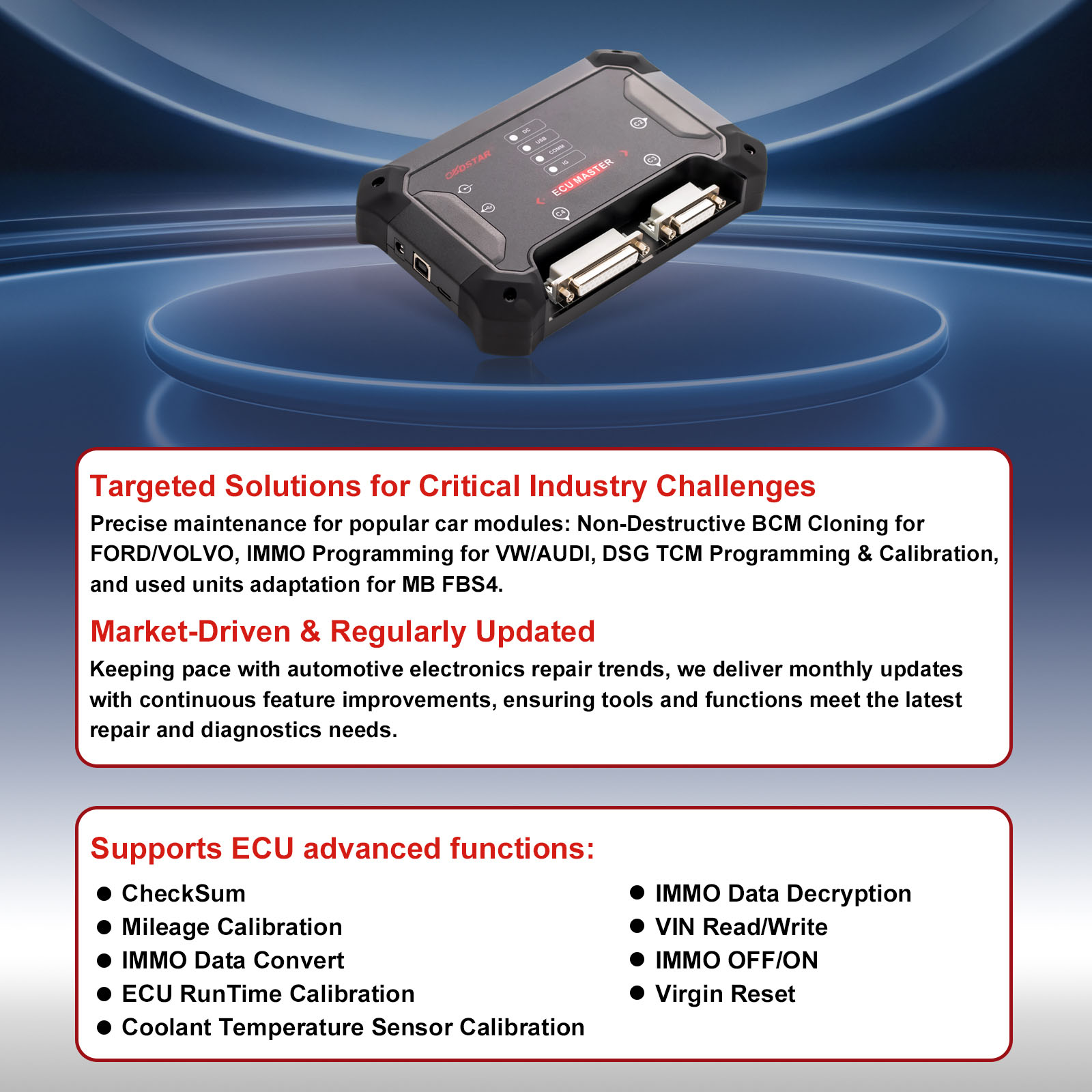
OBDSTAR ECU MASTER Configuration A is a professional PC-based ECU programming tool designed for passenger car and electric vehicle applications. It supports ECU read/write, cloning and advanced programming functions for supported ECM, TCM, BCM, BMS and VCU modules.
With OBD, BENCH, BOOT, JTAG and BDM programming modes, ECU MASTER A provides a flexible solution for automotive electronics repair shops and ECU technicians.
Key Features
ECU Read, Write & Cloning
Perform supported ECU read/write and cloning operations for ECM, TCM, BCM, BMS and VCU modules.
Multiple Programming Modes
Support OBD, BENCH, BOOT, JTAG and BDM modes for different ECU programming requirements.
Advanced ECU Functions
Depending on the ECU type, supported functions include Checksum, IMMO Data Convert, IMMO Data Decryption, IMMO OFF/ON, VIN Read/Write, Virgin Reset, Mileage Calibration and ECU Runtime Calibration.
Integrated ECU Programming Hardware
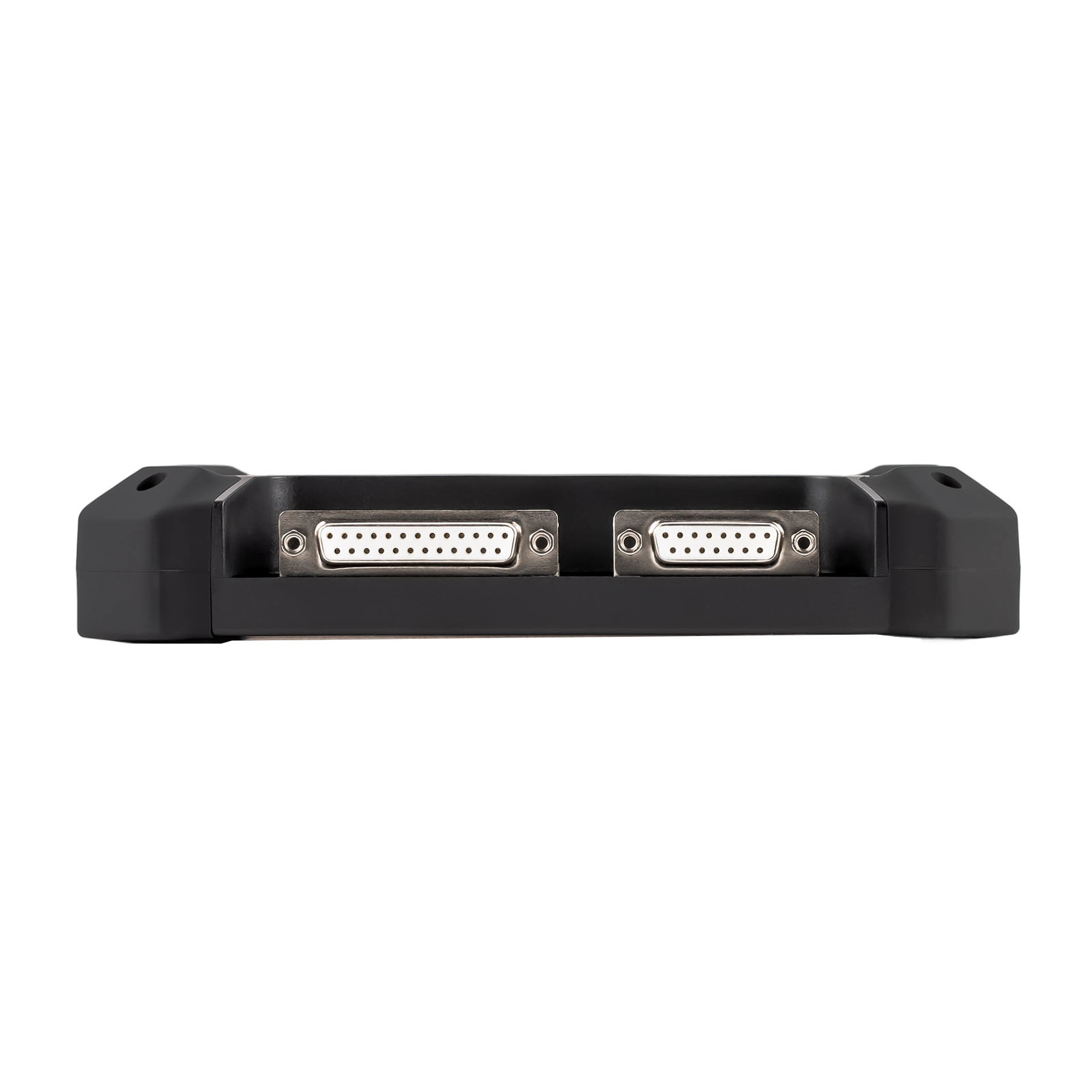
ECU MASTER integrates key programming hardware into one professional platform, helping simplify bench programming and reduce the need for multiple external devices. Certain ECU operations may require specific adapters depending on the ECU type and function.
PC-Based Professional Workflow
Connect ECU MASTER to a Windows 10 or above computer and operate through the dedicated PC software. Select the vehicle and ECU type, connect the ECU using the appropriate cable or jumper, then perform the supported read, write, cloning or reset operation.
Real-World ECU Repair Solutions
Ford & Volvo BCM
Non-destructive BCM cloning for supported modules.
VW & Audi
IMMO programming for supported systems.
VW DSG
TCM programming and calibration for supported DSG units.
Mercedes-Benz
Supported FBS4 TCM functions including VIN Read/Write, Virgin Reset and personalization/data transfer.
ECU MASTER A integrates key programming hardware into one platform
| Built-In Capability | Benefit |
|---|---|
| MP001 Programmer | Supports related ECU programming operations |
| CAN FD Support | Enables programming of supported newer CAN FD ECUs |
| RH850/V850 Support | Supports selected MCU-related operations |
| Universal Jumper System | Flexible connection for supported ECUs |
| ECU MASTER Interface | PC-based professional ECU programming |
How to Use ECU MASTER A?
01 — Connect
Connect ECU MASTER to a Windows computer via USB.
02 — Select
Open ECU MASTER software and select the vehicle and ECU/module.
03 — Connect ECU
Connect the ECU using the appropriate jumper, cable or adapter.
04 — Program
Perform the supported Read / Write / Clone / Reset operation.
Advanced ECU Coverage
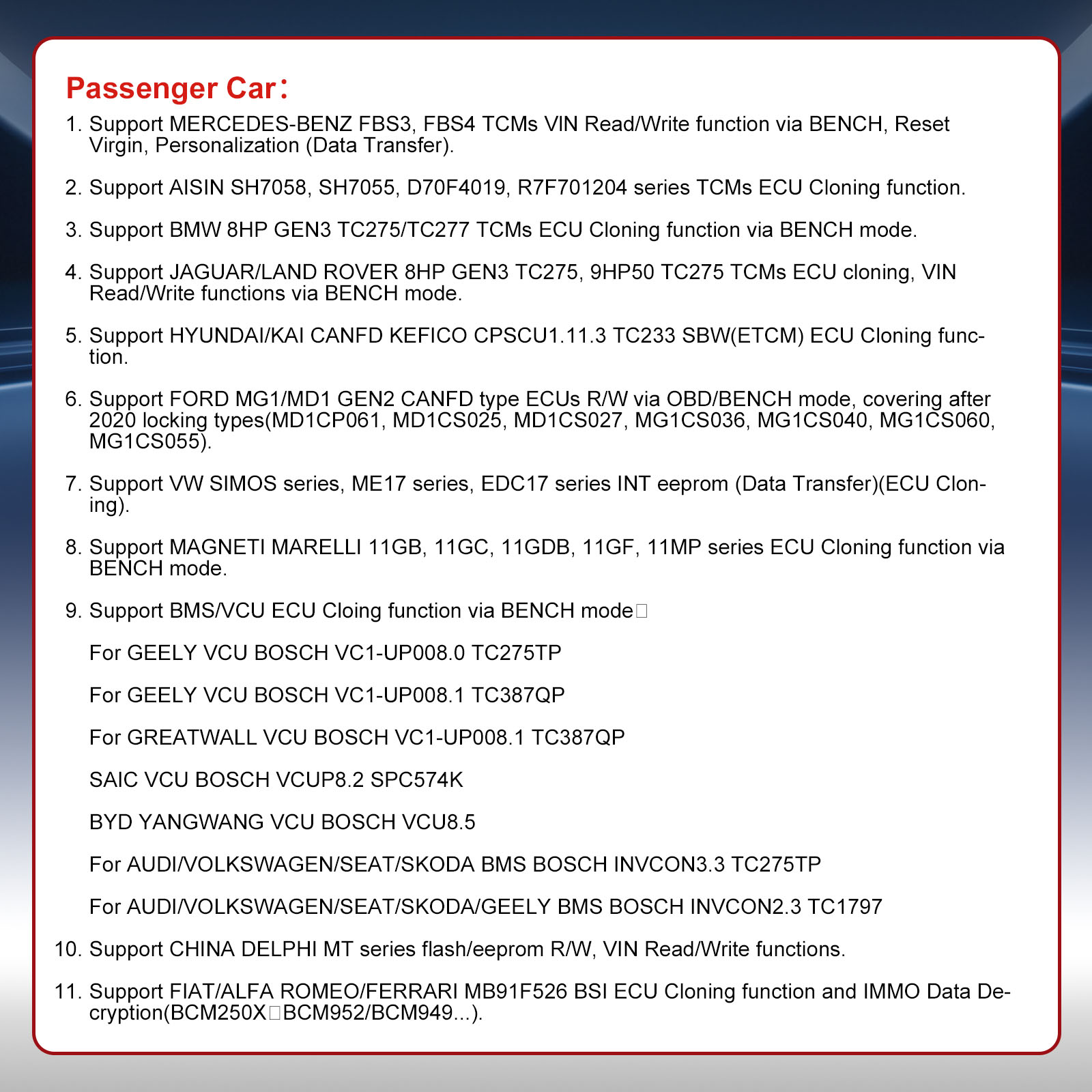
ECU MASTER A supports a wide range of ECU families and applications, including:
- Bosch MED / EDC17 / MG1 / MD1
- Continental SIMOS
- GPEC
- Delphi
- DSG TCM
- Mercedes-Benz FBS3 / FBS4 TCM
- BMW 8HP GEN3 TCM
- Jaguar / Land Rover 8HP GEN3 and 9HP50
- Hyundai/Kia CAN FD ETCM
- Ford MG1/MD1 GEN2 CAN FD ECUs
- VW SIMOS / ME17 / EDC17
- Magneti Marelli
- Selected BMS and VCU modules
- .....check more- the latest ECU MASTER A coverage list
Always check the latest ECU MASTER A coverage list for the exact ECU before operation.
🔥 Latest Locked MG1 / MD1 Support
ECU MASTER supports read/write and unlock functions for selected locked Bosch MG1/MD1 ECUs, including:
- Bosch MD1CP032 – BMW B57
- Bosch MG1CS024 – BMW B48/B58
- Bosch MG1CS201 – BMW B48/B58
- Bosch MD1CS069 – FCA
- Bosch MD1CP006 – Ford
More ECU models may be added through future software updates.
Note: Selected MG1/MD1 unlock functions require the RH850/V850 Adapter Kit (C4-06). Software coverage may vary by product configuration.
EV ECU Programming
ECU MASTER A also supports selected EV module cloning functions via BENCH mode, including supported BMS and VCU modules.
Examples include selected:
- Geely VCU
- Great Wall VCU
- SAIC VCU
- BYD Yangwang VCU
- Audi / Volkswagen / SEAT / Skoda BMS
- Geely BMS
Please check the latest coverage list for exact ECU compatibility.
Why Choose ECU MASTER A?
- Professional PC-based ECU programming platform
- Multiple programming modes: OBD / BENCH / BOOT / JTAG / BDM
- ECM / TCM / BCM support
- Selected BMS / VCU support
- Advanced ECU read/write and cloning functions
- Support for selected CAN FD and locked MG1/MD1 ECUs
- Integrated programming hardware
- Regular software updates
- Professional technical support
- 1 Year hardware warranty and 1 year software Update,after one year ,the update subscription cost is 224EUR/year
- support English
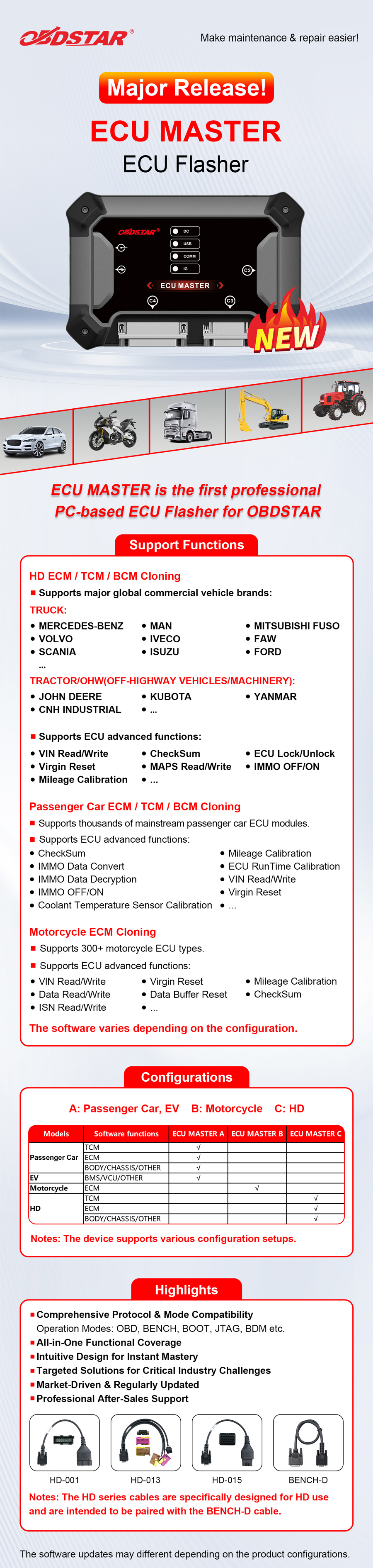
| Configuration | Main Coverage |
|---|---|
| A | Passenger Car + EV |
| B | Motorcycle |
| C | Commercial Vehicle / HD |
| D |
Airbag/Other/Battery/SAS Reset |
| Full | A + B + C + D |
ECU MASTER vs DC706
1. ECU MASTER built-in P003+, MP001,CAN FD adapters, while DC706 need to buy P003+, MP001,CAN FD adapters to work together.
2. ECU MASTER A Version can buy license to support truck and tractors, while DC706 can't.
3. ECU MASTER A Version can buy license to add airbag reset, battery reset and steering angle repair functions, while DC706 can't.
4. ECU MASTER A Version doesn't support motorcycles, while DC706 supports motorcycles.
5. ECU Master A version and DC706 supports the same car models.
Check ECU Compatibility Before Purchase
Not sure whether your ECU is supported?
Send us the vehicle brand, model, year, ECU manufacturer and ECU part number. Our technical team can help you check the applicable ECU MASTER coverage before you place your order.
Download: OBDSTAR ECU MASTER A COVERAGE
Download: OBDSTAR ECU MASTER User Manual
Download: Download ECU Master PC software
Passenger Car ECM / TCM / BCM Cloning:
Support Reading and Writing ECU units of thousands of car models:
BOSCH MED/EDC17 series, CONTINENTAL SIMOS series, GPEC series, DELPHI series, DSG TCM units, MB FBS4 series units etc.
Support for BMW B48/B57/B58 supports 2021+ locked ECU read/write and ISN reading. Compatible with Bosch MD1CP032, MG1CS024 and MG1CS201. Need work with OBDSTAR ECM-003 Wiring Harness
|
Operation system |
Windows 10 or above |
|
CPU |
STM32H723, STM32F407 |
|
Working Voltage |
DC14V |
|
Working temperature |
-10℃~55℃(14℉~131℉) |
|
Storage temperature |
-20℃~70℃(-4℉~158℉) |
|
Weight |
About 0.7kg |
|
Dimension |
176mm*115mm*31.7mm |
|
Warranty |
1-year hardware warranty; software updates monthly;free update for 1 year (calculated from the registration date) |
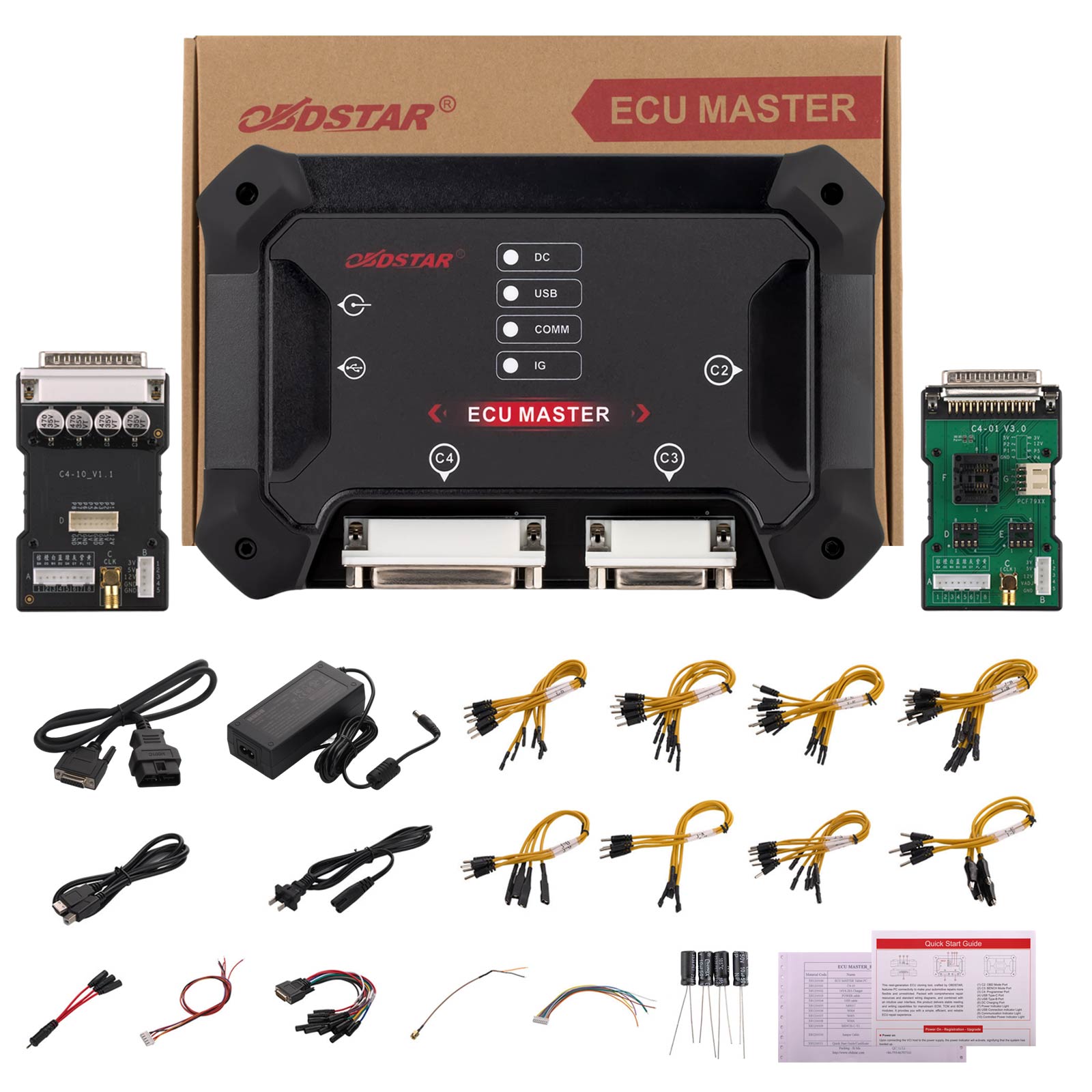
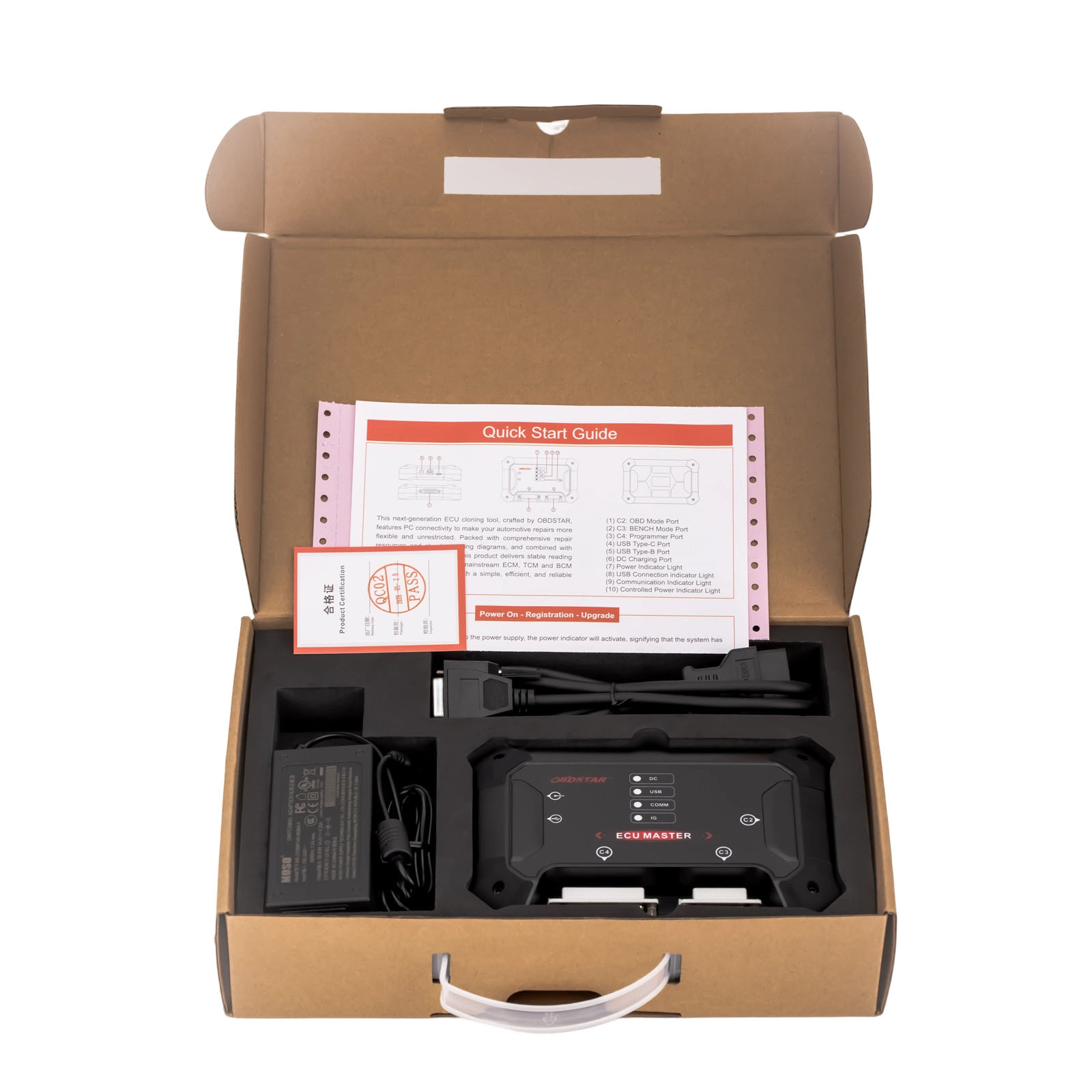
Package includes:
1pc x ECU MASTER host
1pc x C4-10
1pc x C4-01
1pc x Charger(14V 4.28A)
1pc x Power cable
1pc x USB cable
1pc x 3-in-1 jumper cable
4pcs x J-A jumper
9pcs x J-B jumper
7pcs x J-C jumper
8pcs x J-D jumper
8pcs x J-E jumper
4pcs x J-F jumper
6pcs x J-N jumper
4pcs x J-O jumper
1pc x M001C
1pc x W004
1pc x W005
1pc x W006
1pc x BENCH-C-V1
4pcs x Resistors
OBDSTAR ECUMASTER FAQ
Q: What are the differences between the ECU cloning functions of ECU MASTER and KEYMASTER G3?
A: Currently, the passenger car cloning functions are identical on both devices. However, the KEYMASTER G3 does not yet support commercial vehicle ECU cloning.
Q: Does ECU MASTER have an annual subscription fee?
A: Yes, it does. Upon registration and activation, ECU MASTER comes with a complimentary 12-month subscription period. Renewing before your subscription expires qualifies
you for an exclusive discount. The price reverts to the standard rate upon renewal after expiration.
Q: If I do not renew my ECU MASTER subscription, will it affect the device's functionality?
A: The subscription is only related to software updates and downloads. After the subscription expires, the functionality of the software already downloaded will not be affected.
Q: Does using ECU MASTER require an external power source?
A: Due to the high power requirements of ECU units in some vehicle models, we recommend using a professional adjustable regulated power supply when connecting the ECU
MASTER to the ECU to ensure a stable connection.
Please set the appropriate voltage according to the device operation guide. The device supports a maximum power supply of 26V 5A.
Q: Which computer operating systems are compatible with ECU MASTER software?
A: Currently, ECU MASTER supports installation and use on computers running Windows 10 or later versions.
Q: After purchasing ECU MASTER, how do I activate it?
A: 1. After purchasing the ECU MASTER, visit the official website www.obdstar.com.cn → Service → Download. Download and install the [ECU MASTER] software.
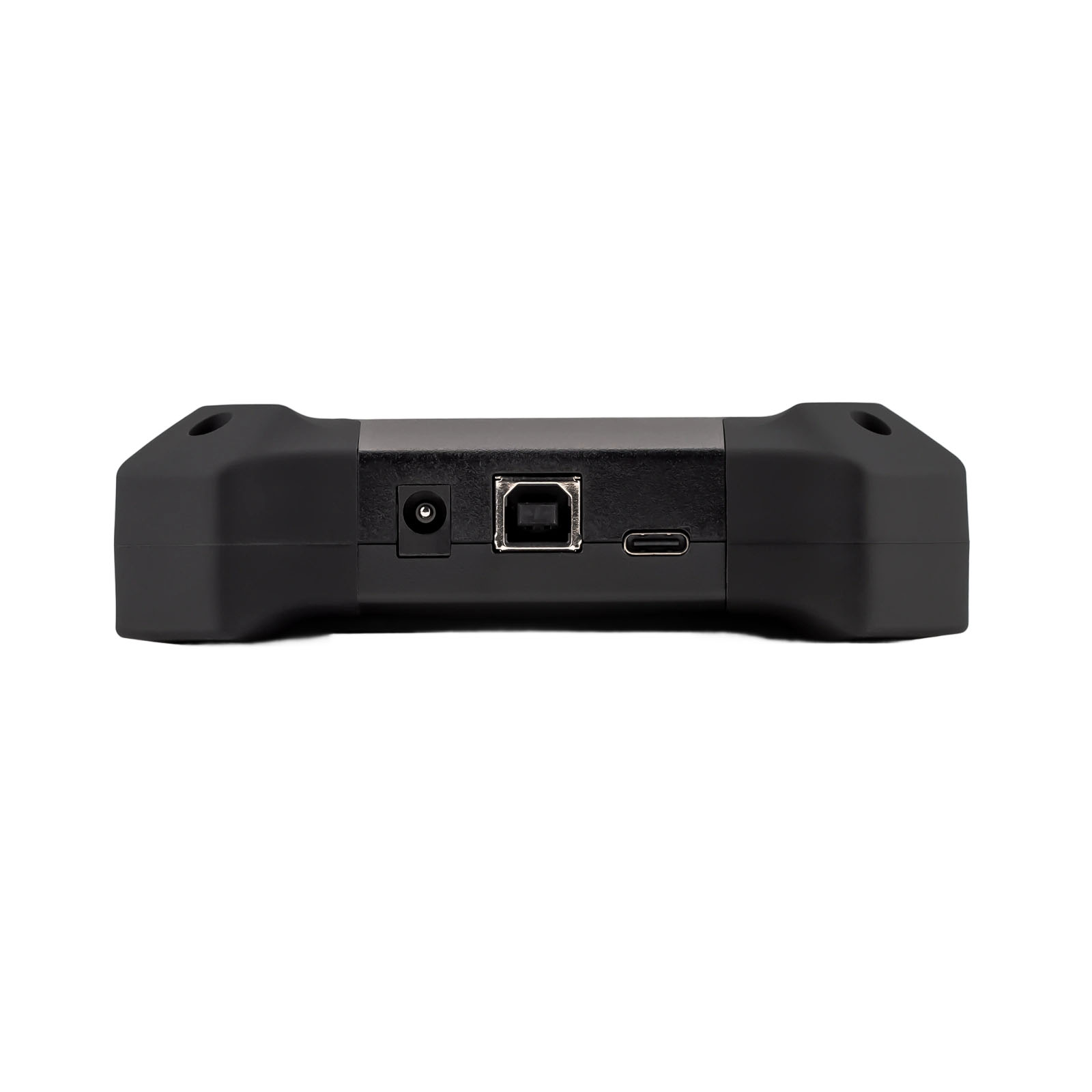
2. Use a Type-B USB cable to connect the ECU MASTER main unit to your computer and launch the ECU MASTER software.
3. Go to [Personal Center], click [User Registration], and follow the prompts to complete the registration. Activation is complete once registration is successful.
4. Log in to your personal account, return to the main interface, click [Upgrade], check all items, and complete all software downloads to begin normal usage.
Über die Lieferung
Versand aus EU-Lager (steuerfrei): 3–5 Werktage. Wir haben beliebte Artikel in unserem EU-Lager (Deutschland/Tschechische Republik/Belgien) vorrätig, was für Sie bequemer ist. Steuerfrei, schneller Versand und günstigerer Preis.Yanwen Express (ohne Steuern): 8–12 Werktage, wir zahlen die Steuern im Voraus, sodass Kunden für die meisten europäischen Länder keine Steuern zahlen müssen. Aufgrund der hohen EU-Zölle versenden wir standardmäßig mit Yanwen Express (für Artikel, die nicht in der EU vorrätig sind). Wenn Kunden die schnellere Versandart DHL/Fedex wünschen und bereit sind, die hohen Steuern zu zahlen, hinterlassen Sie uns bitte nach der Bestellung rechtzeitig eine Nachricht.
DHL/UPS/Fedex: 5-7 Werktage. Um Ihnen bei der Zollabfertigung zu helfen, geben wir auf der Rechnung einen niedrigeren Preis an. Bei Adressen in abgelegenen Gebieten muss der Kunde eine Fernfrachtgebühr entrichten, andernfalls versenden wir per Normalpost oder Yanwen Express.
Hinweis:
1. Alle Artikel werden an die PAYPAL-Lieferadresse versandt, um die Rechte von Käufer und Verkäufer zu schützen. Bitte überprüfen Sie Ihre Adresse bei PAYPAL, bevor Sie den Kauf tätigen.
2. Ihre Bestellung wird in der Regel am selben oder am nächsten Werktag nach Zahlungseingang versandt, außer an Wochenenden und Feiertagen.
Wenn Sie Fragen haben, zögern Sie bitte nicht, uns zu kontaktieren.
Kontaktinformationen:
E-Mail: sales@OBDSTARshop.de
WhatsApp: +86 15223201143