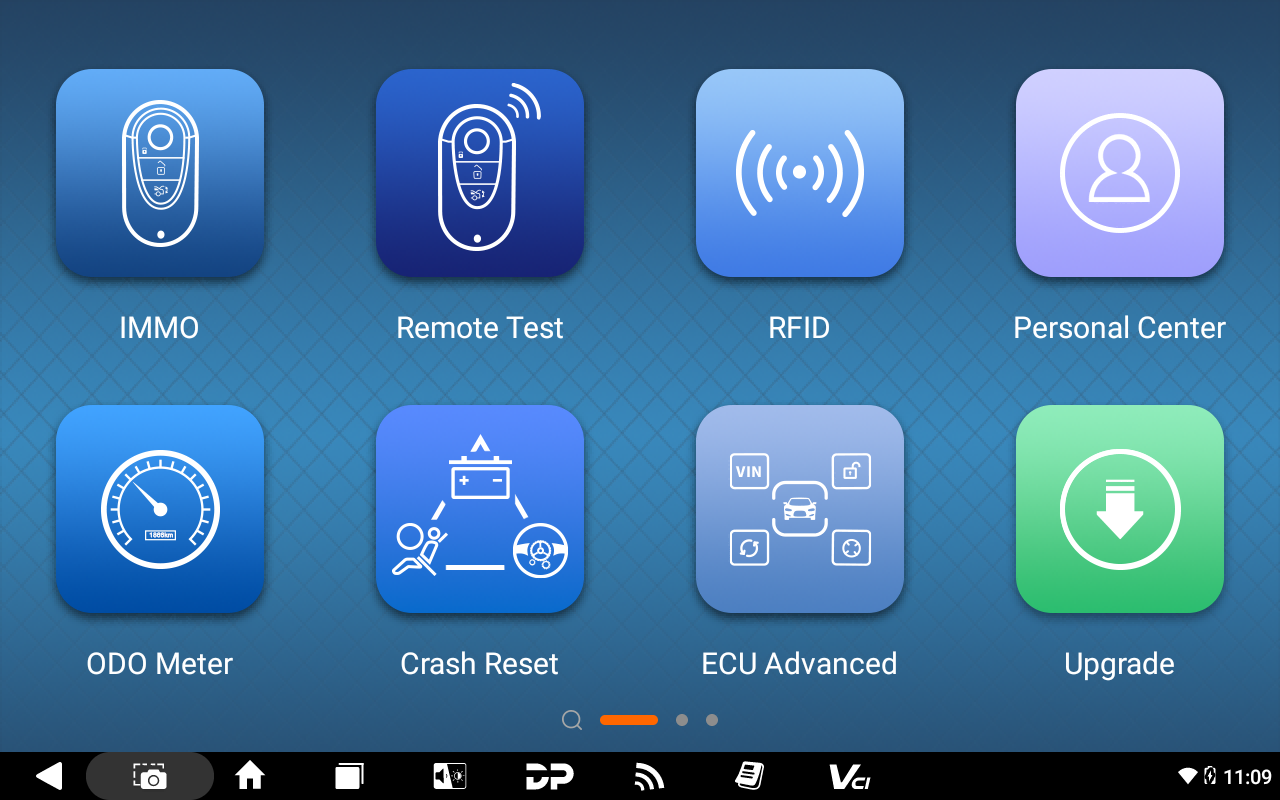
How to Register and Upgrade OBDSTAR X300 Classic G3?
Here is the X300 Classic G3 Register and Upgrade Guidance
Note1). Keep charging and connect to the network before registering & upgrading
2). If a username was taken, please use a different one for registration.
1. Click DP
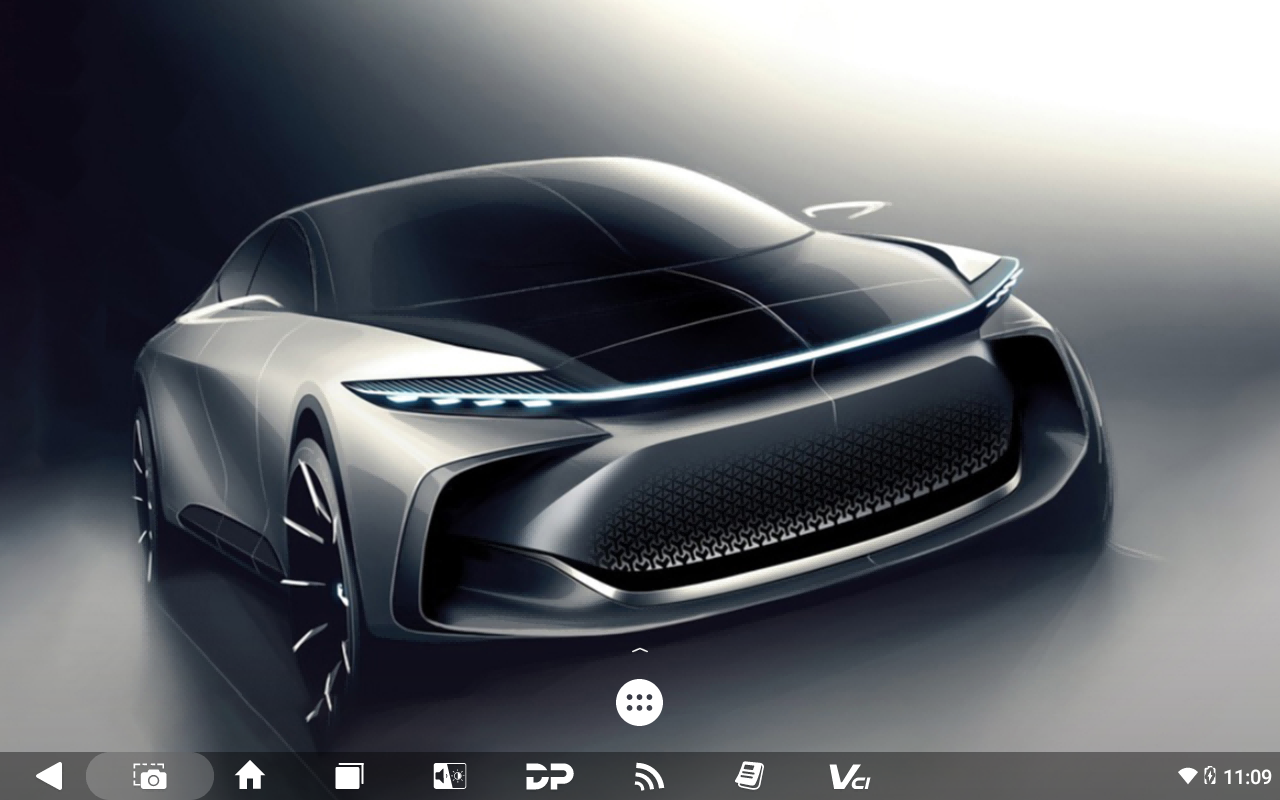
2. Click Personal center
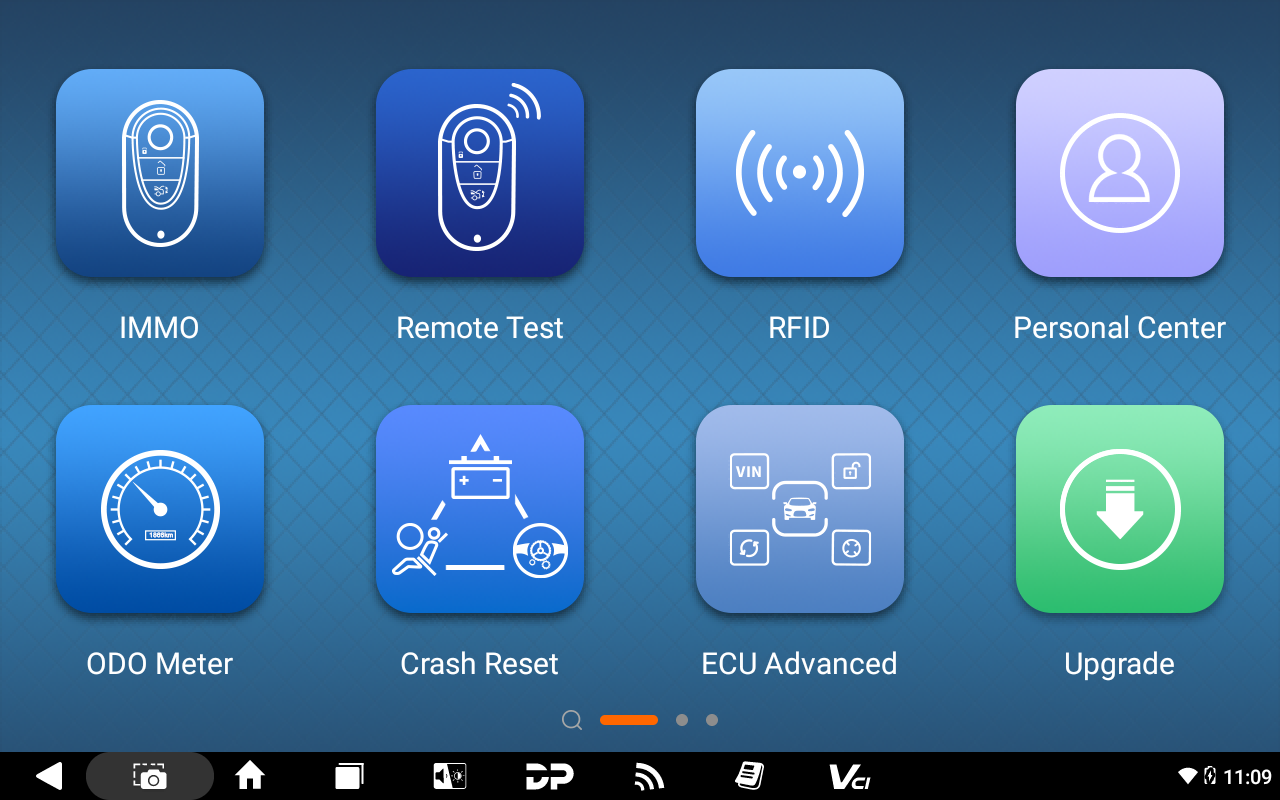
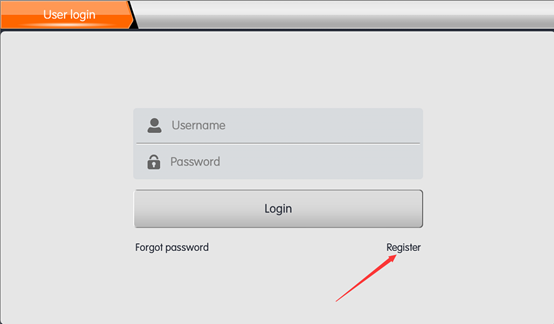
3. Click Register
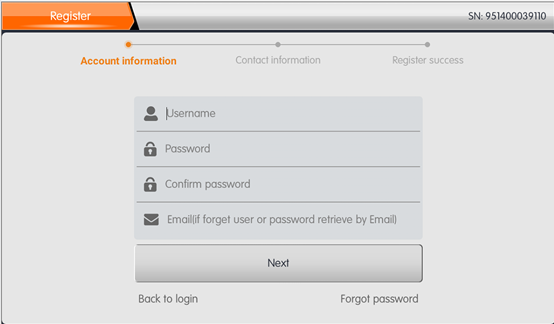
4. Fill in personal information
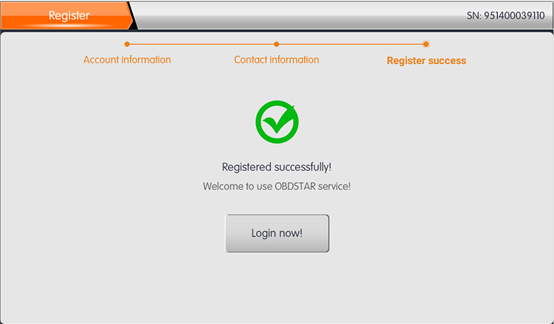
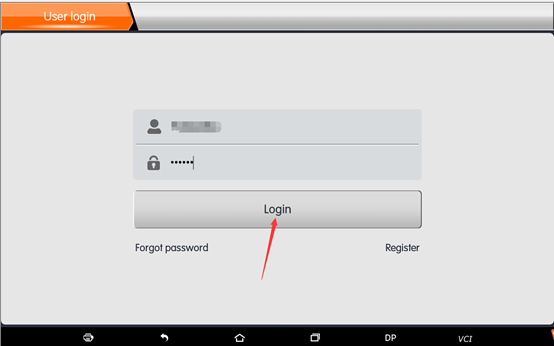
5. After successful registration, log in to your account
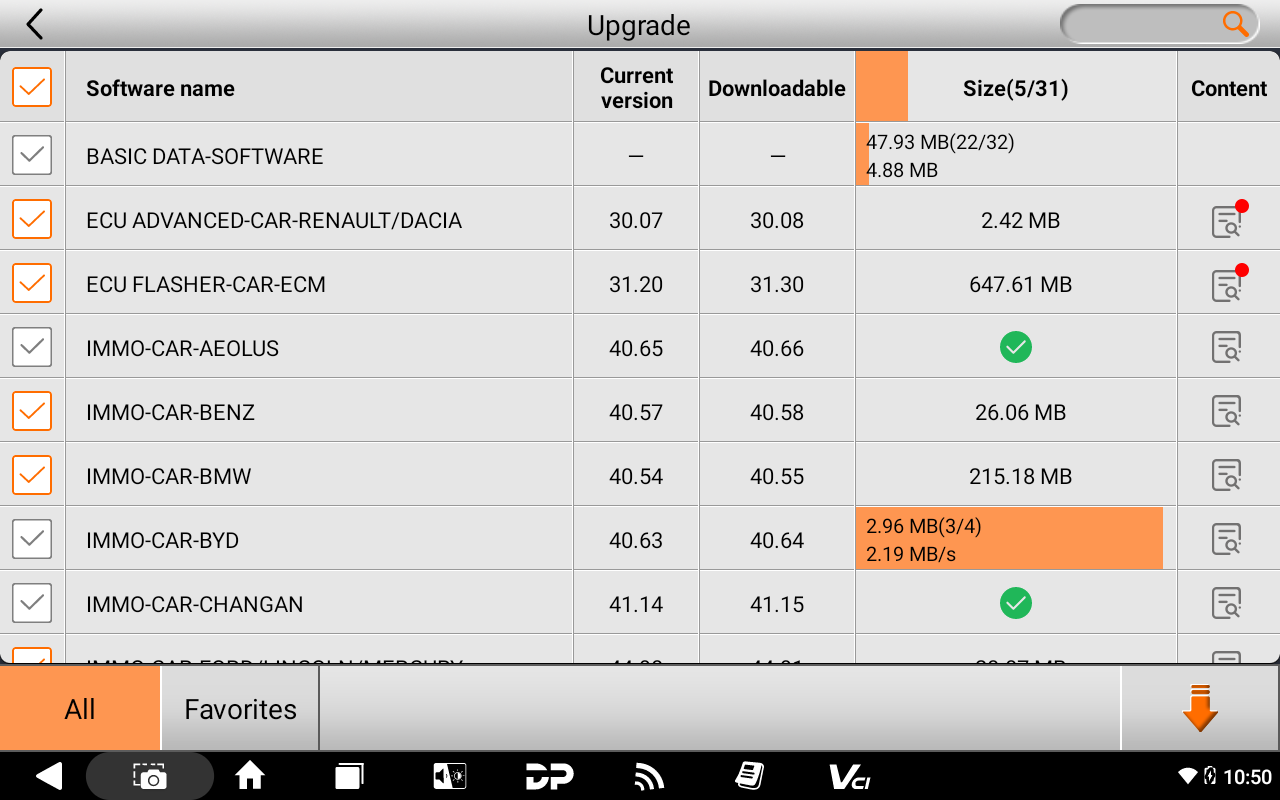
6. Click upgrade, wait for the software to finish downloading.