
How to Bind OBDSTAR Device with OBDSTAR App
This post will guide you through the process of binding your device with the OBDSTAR app to the enable seamless intergration between the repair information software and your mobile phone.
This post will guide you through the process of binding your device with OBDSTAR app to the enable seamless intergration between the repair information software and your mobile phone.The operation applies to all OBDTAR tablet series products, and here we take OBDSTAR MotoMaster as an example.
Steps:
1.Update Software
Update the repair information on your device and the OBDSTAR APP on your phone to their latest versions
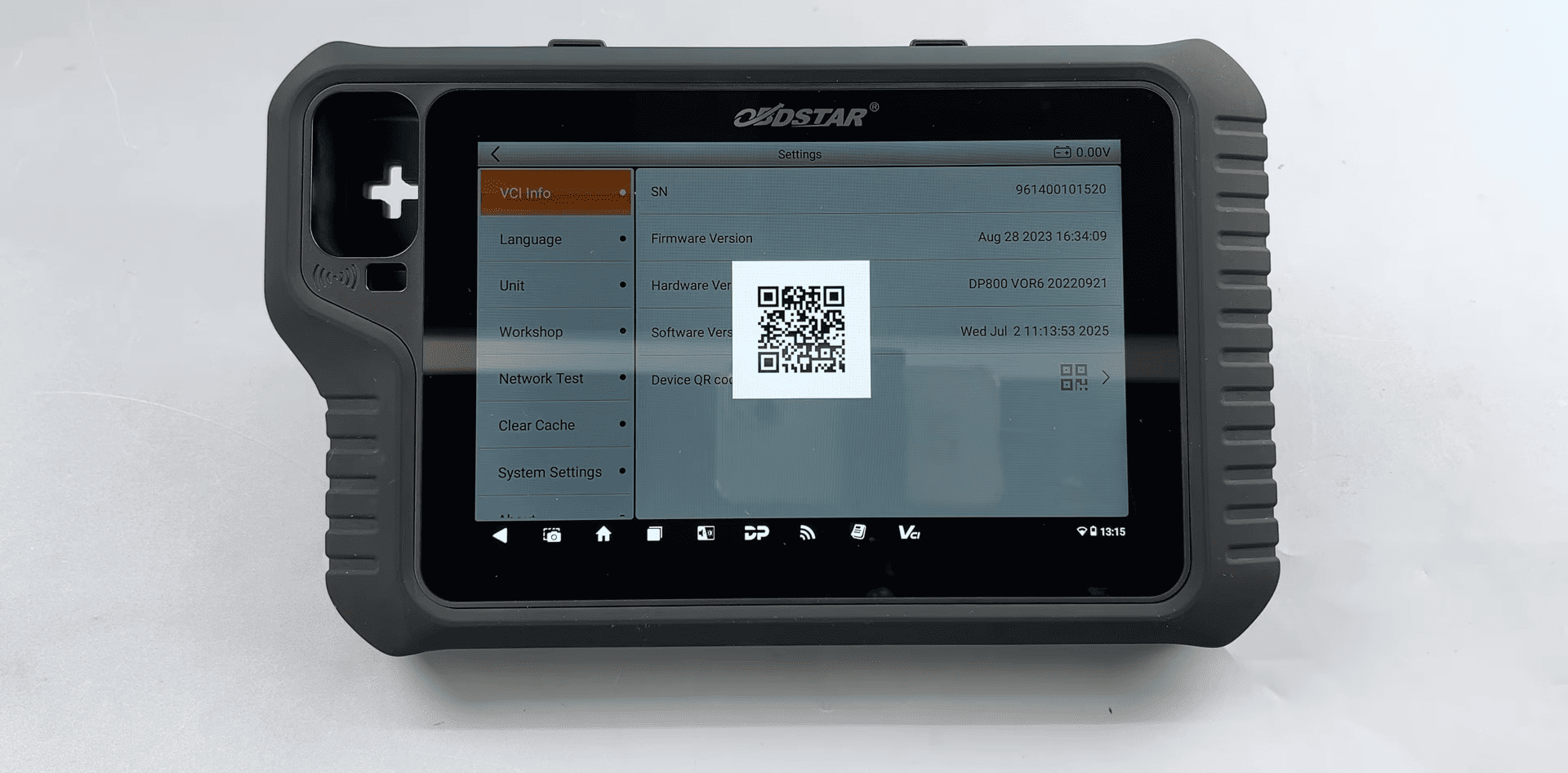
2. Bind the Device
On the device, tap "VCI Info" → "Device QR Code"
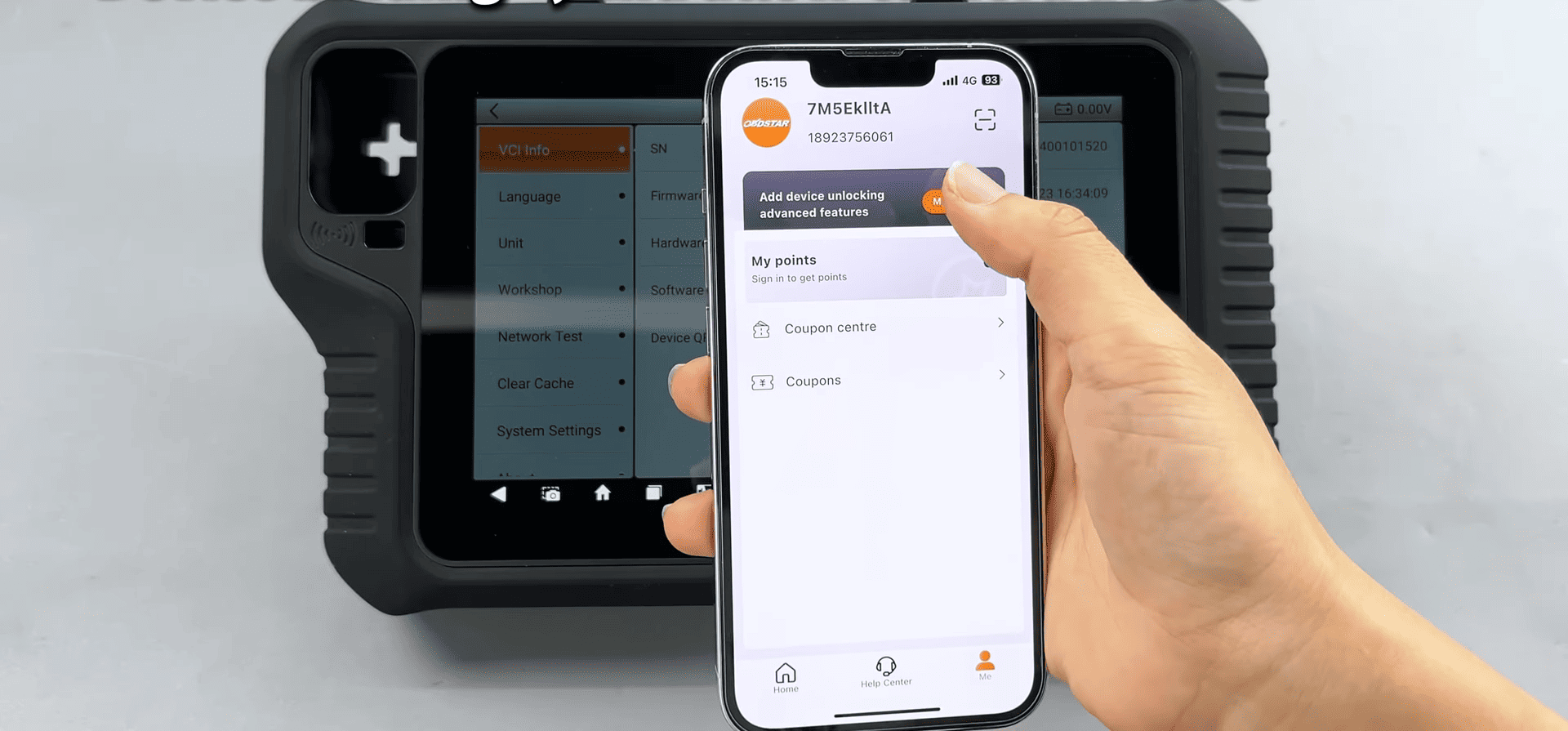
On the mobile app, go to "Me → My Device → Device binding, and allow camera access
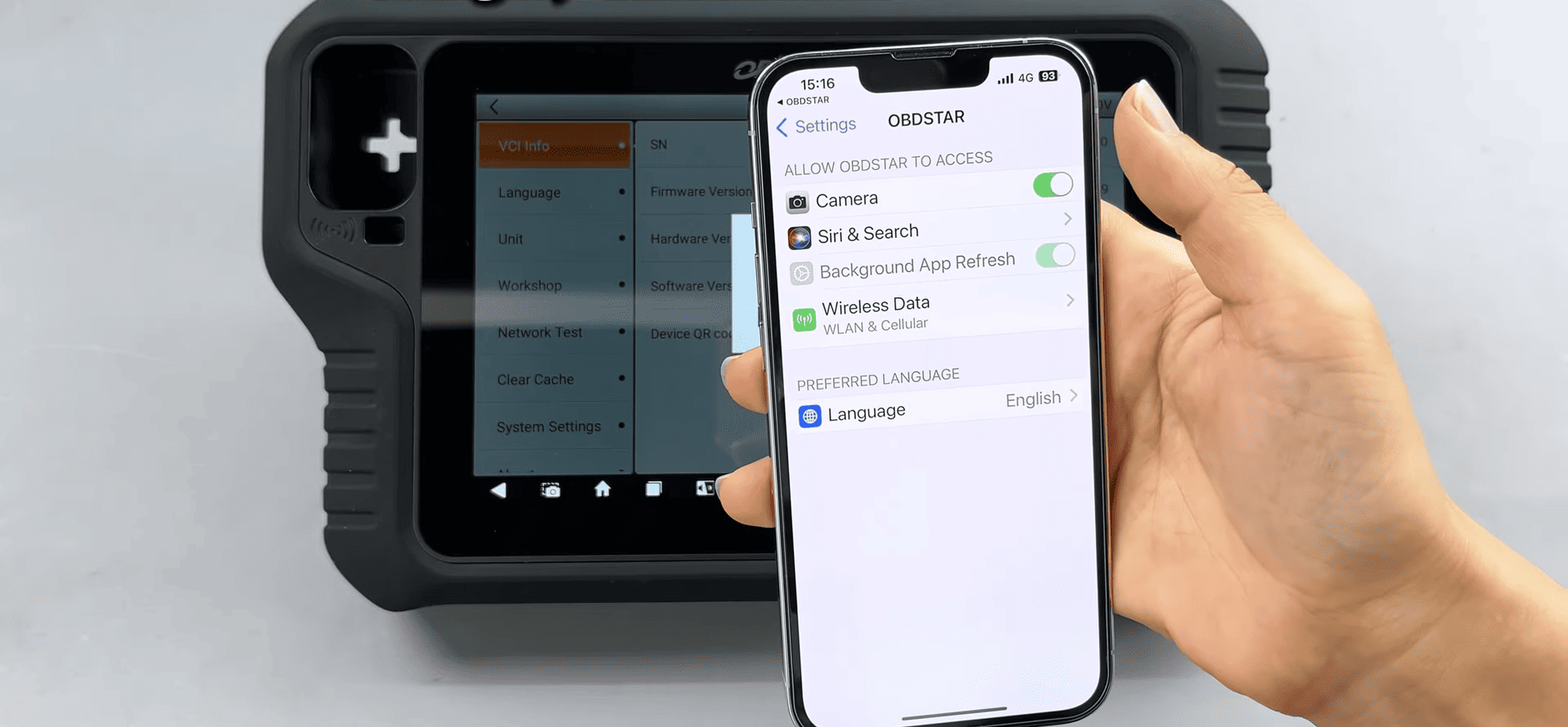
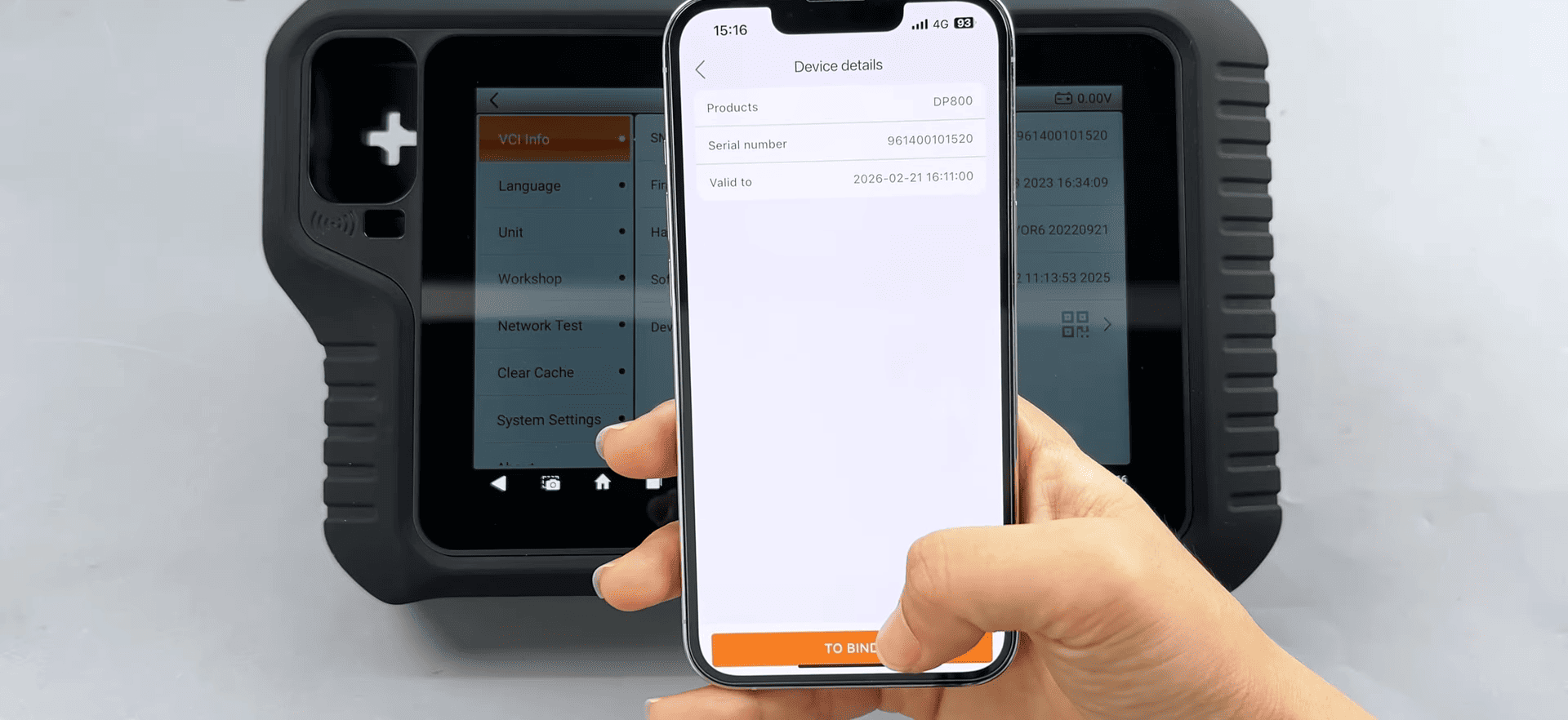
Scan the QR code and it will show the device details, then tap "TO BIND"
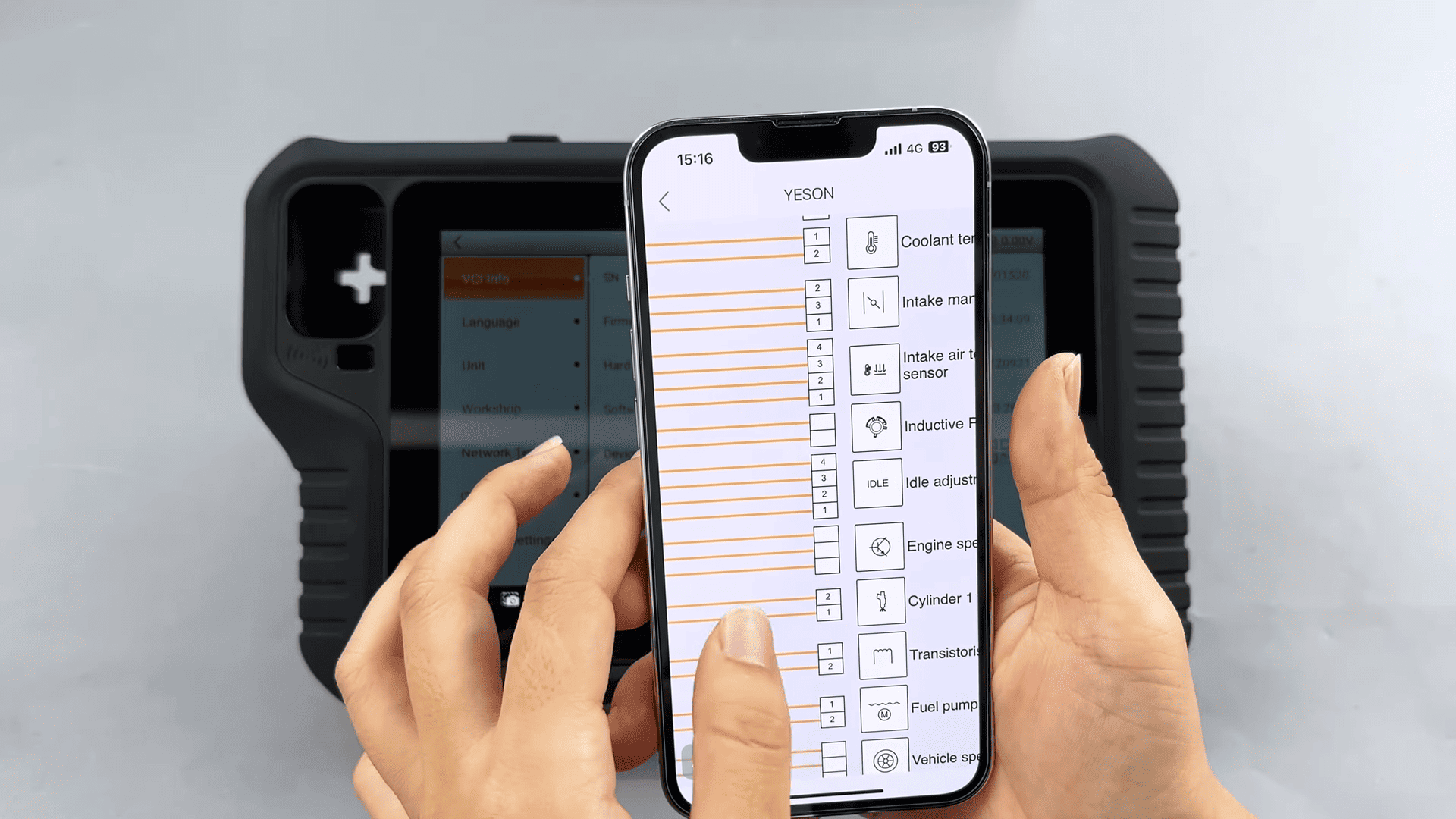
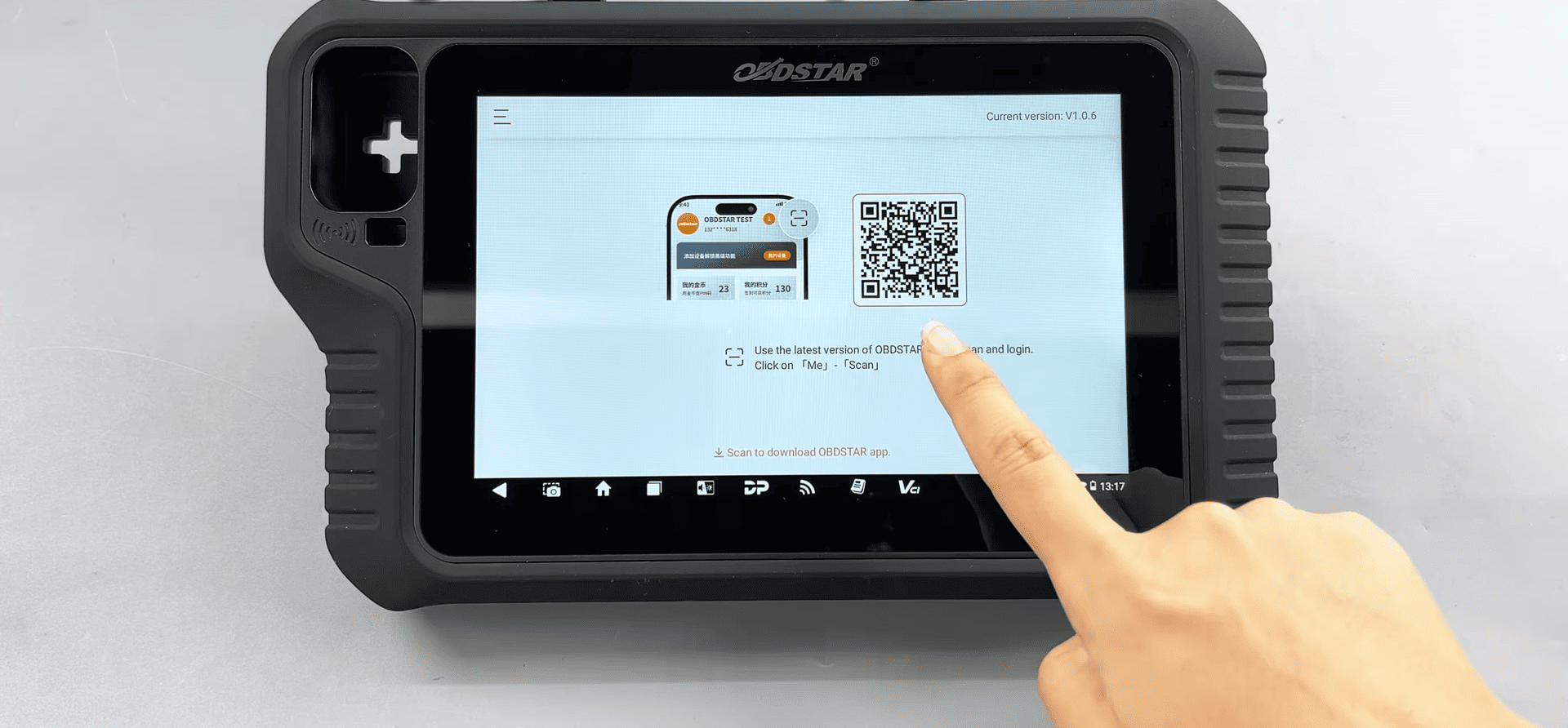
3. Login your device
Tap Repair Information, then use the OBDSTAR app to scan the login QR code display on the device
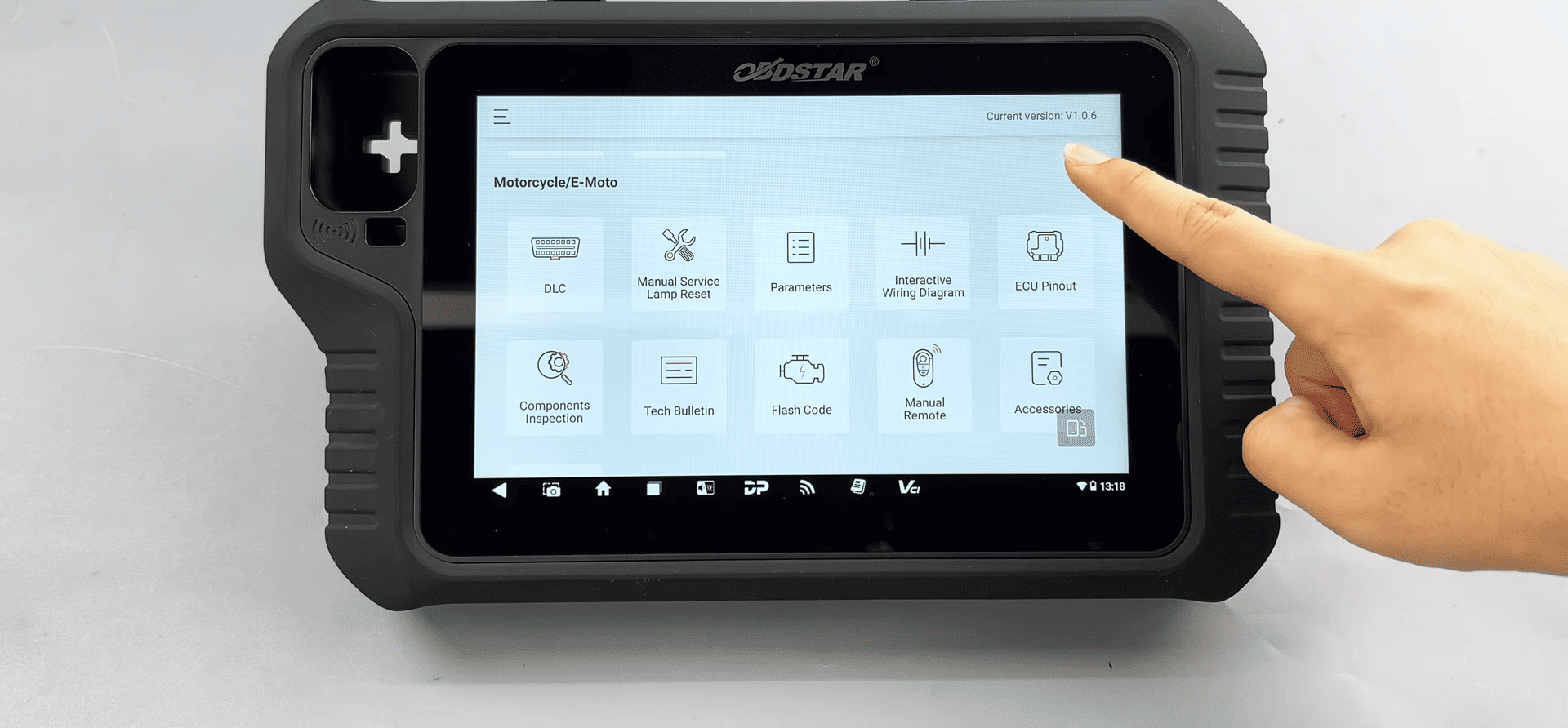
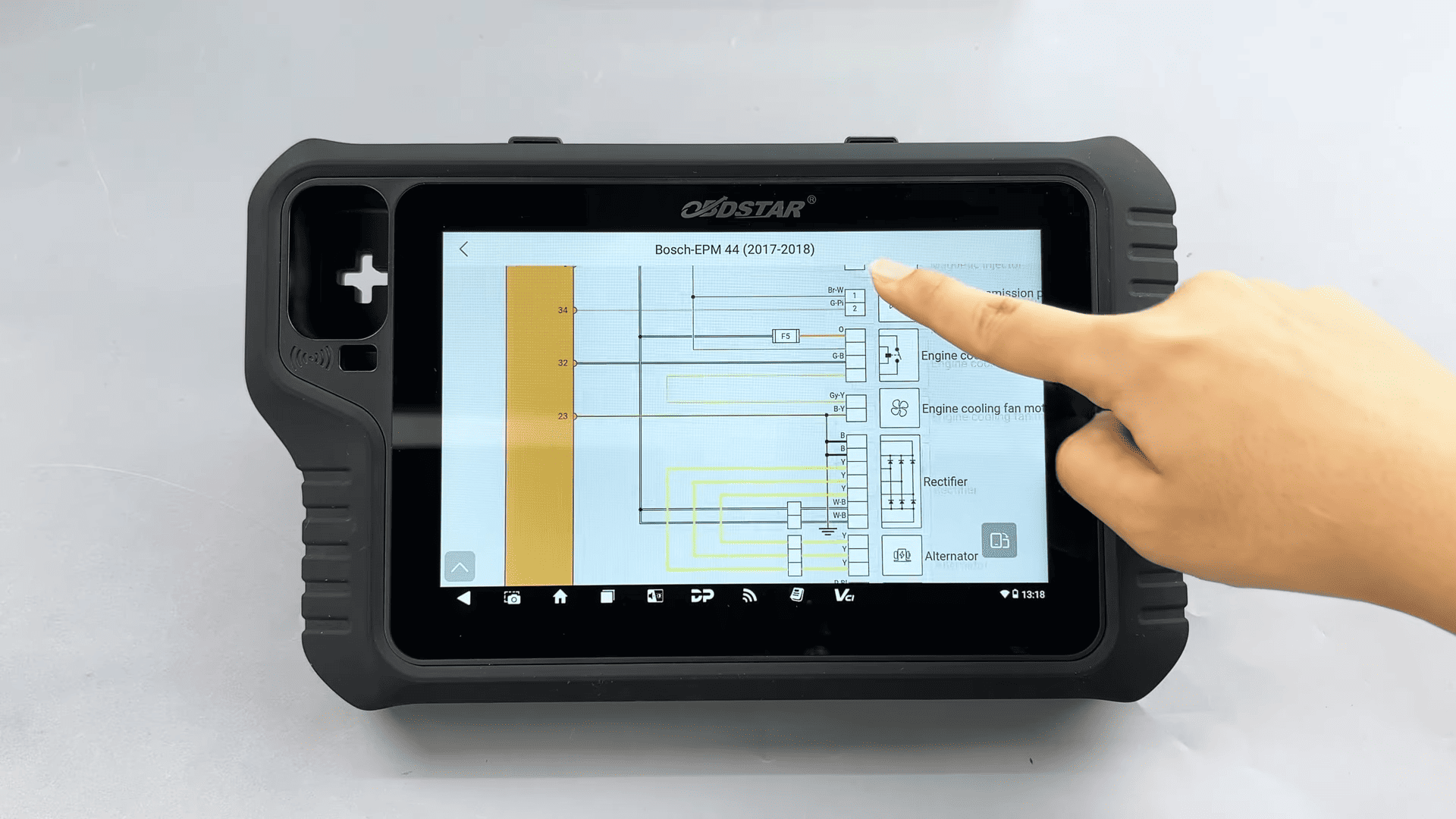
Once the binding is complete, you can access the relevant information as usual
Tech Support
E-Mail: sales@OBDSTARshop.de
WhatsApp: +86 15223201143
Tel: 0086-15223201143
www.obdstarshop.de